Use a spreadsheet for a small, simple collection; use a release database when exact pressings and marketplace history matter; use a vinyl app when you want scanning, images, wishlists, values, notes, search, and listening decisions in one flow. The best catalog is the one you will update after the next record comes home.
This comparison uses MusicBrainz release concepts and Discogs identifier guidance as neutral cataloging anchors.
Every catalog system starts charming. The test comes after the tenth new pickup, the first duplicate, and the night you want to find one record before dinner gets cold.
Spreadsheets, release databases, and apps all work. They fail in different places.
When is a spreadsheet enough?
A spreadsheet is enough when the collection is small, slow-moving, and easy to describe. It's portable, customizable, and calm. You can add columns for artist, title, format, location, condition, notes, and value.
The weak spot is friction. Every new record asks for manual typing, image handling, duplicate checks, and variant notes.
When does a release database make sense?
A release database makes sense when exact versions matter. It is strong for barcodes, catalog numbers, labels, countries, runouts, and marketplace comparison.
The weak spot is that database work can become the hobby. If the catalog keeps pulling you away from listening, the system is too heavy for how you actually use it.
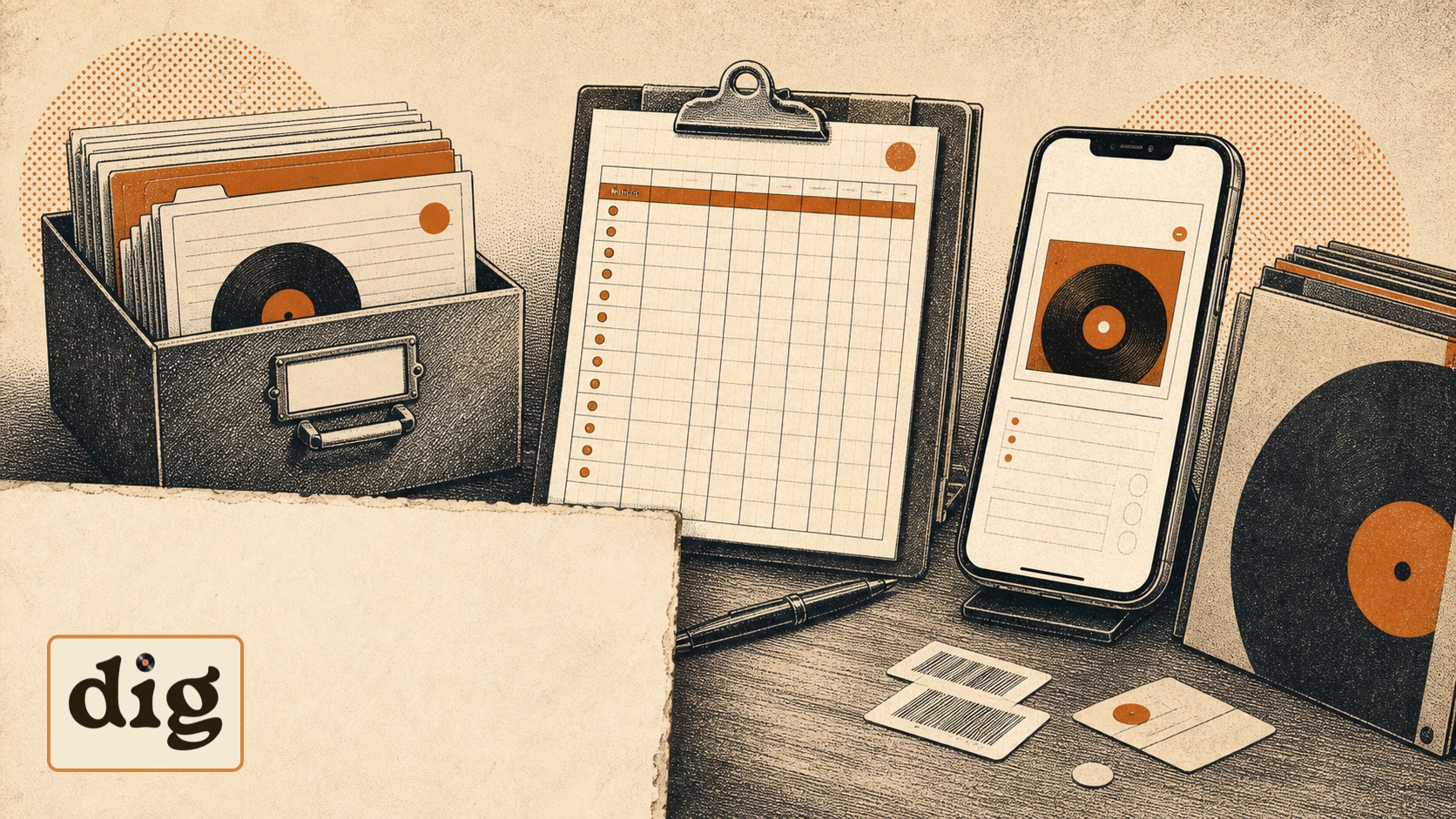
When should you use a vinyl app?
Use an app when the catalog should connect to daily collector behavior: scanning records, managing a wishlist, checking values, adding notes, avoiding duplicates, and choosing what to play.
The best app doesn't erase database detail. It brings that detail closer to the shelf, the shop, and the turntable.
dig is built for collectors who want the catalog to stay close to the record. Barcode scans, cover snapshots, label photos, bulk photo import, wishlists, value context, and play picking all point back to the same collection.
- Scan records instead of typing every field.
- Keep wishlist, value, and notes beside ownership.
- Use Spin Roulette and Mood Picker when the catalog should lead to a record on the turntable.
FAQ
Should I use Discogs and an app together?
Many collectors do. Discogs-style release data is useful for variants; an app can make daily cataloging, searching, wishlisting, and listening easier.
Can I start in a spreadsheet and move later?
Yes, but keep columns clean: artist, title, format, label, catalog number, barcode, condition, location, and notes. Messy columns are hard to import.
What matters most in a catalog tool?
Low friction. If adding a new record feels annoying, the catalog will be stale by the next crate trip.
Let the shelf do more than sit there.
dig keeps cataloging, value notes, wishlist decisions, and the next record to play in one place.
Join the waitlist