To catalog a vinyl collection, capture the record first, then clean up the details. In dig, that means scanning a barcode, snapping the cover, photographing the center label, or importing a bulk photo of records laid out together; then confirm artist, title, format, condition, location, and one reliable identifier.
This guide follows music metadata practices from MusicBrainz and preservation guidance from the Library of Congress.
The mistake is trying to catalog the whole shelf like an archive on day one. That sounds noble, then you hit record 37, find three near-identical pressings of the same album, and the whole thing starts to feel like homework.
A useful first pass is focused. It tells you what you own, where it lives, what shape it is in, and whether your copy is the plain reissue or the weird one you would be annoyed to replace by accident.
What fields should you track first?
Track the fields that answer everyday collector questions: Do I own this? Which copy is it? Where did I put it? Is it playable? Would I buy it again if I saw it in a bin?
| Field | Why it matters | Example |
|---|---|---|
| Artist and title | The basic search layer. | Marvin Gaye, What's Going On |
| Format | Separates LPs, 7-inches, 12-inches, box sets, and odd copies. | LP, 12-inch single, 2xLP |
| Identifier | Helps match the record to a known release. | Barcode, catalog number, release ID |
| Condition | Useful for selling, insurance, and deciding what needs a cleaner copy. | Media VG+, sleeve VG |
| Location | Stops the shelf from becoming a search party. | Living room crate, jazz shelf, overflow box |
| Ownership status | Keeps collection, wishlist, sold, and traded records separate. | Owned, wishlist, sold |
| Notes | Captures the human part: shop, gift, defect, memory, play copy. | Corner ding, bought at Dusty Groove, plays clean |
When do pressing details matter?
Pressing details matter when two copies of the same album are not interchangeable. MusicBrainz treats a release as a distinct issuing of a product and lists identifiers such as release date, country, label, barcode, packaging, and cover art. For collectors, that distinction is the whole game.
Add pressing-level detail for records that are valuable, hard to replace, commonly counterfeited, or sonically different across versions. You should also add detail for imports, promos, record club copies, mono or stereo variants, colored vinyl, misprints, and anything with a story attached.
The useful identifiers are usually visible before you need a microscope: catalog number on the spine or label, barcode on newer records, country, label, year, matrix or runout text, and any hype sticker or sleeve clue that separates your copy from the next one.
What is the best way to catalog records?
The best method is the one you will keep using after the first weekend. For ten records, a note on your phone works. For fifty, a spreadsheet can hold. Once you care about variants, images, values, wishlists, barcode scans, and duplicates, an app starts saving time.
Spreadsheet
Use a spreadsheet if your collection is small, stable, and easy to describe. It is flexible, portable, and boring in a good way. The weak spot is friction: every new pickup asks you to type the same metadata again.
Discogs-style database
Use a release database when exact versions matter. It is strong for matching catalog numbers, market history, and pressing variants. The weak spot is that database work can pull you away from the shelf in front of you.
dig
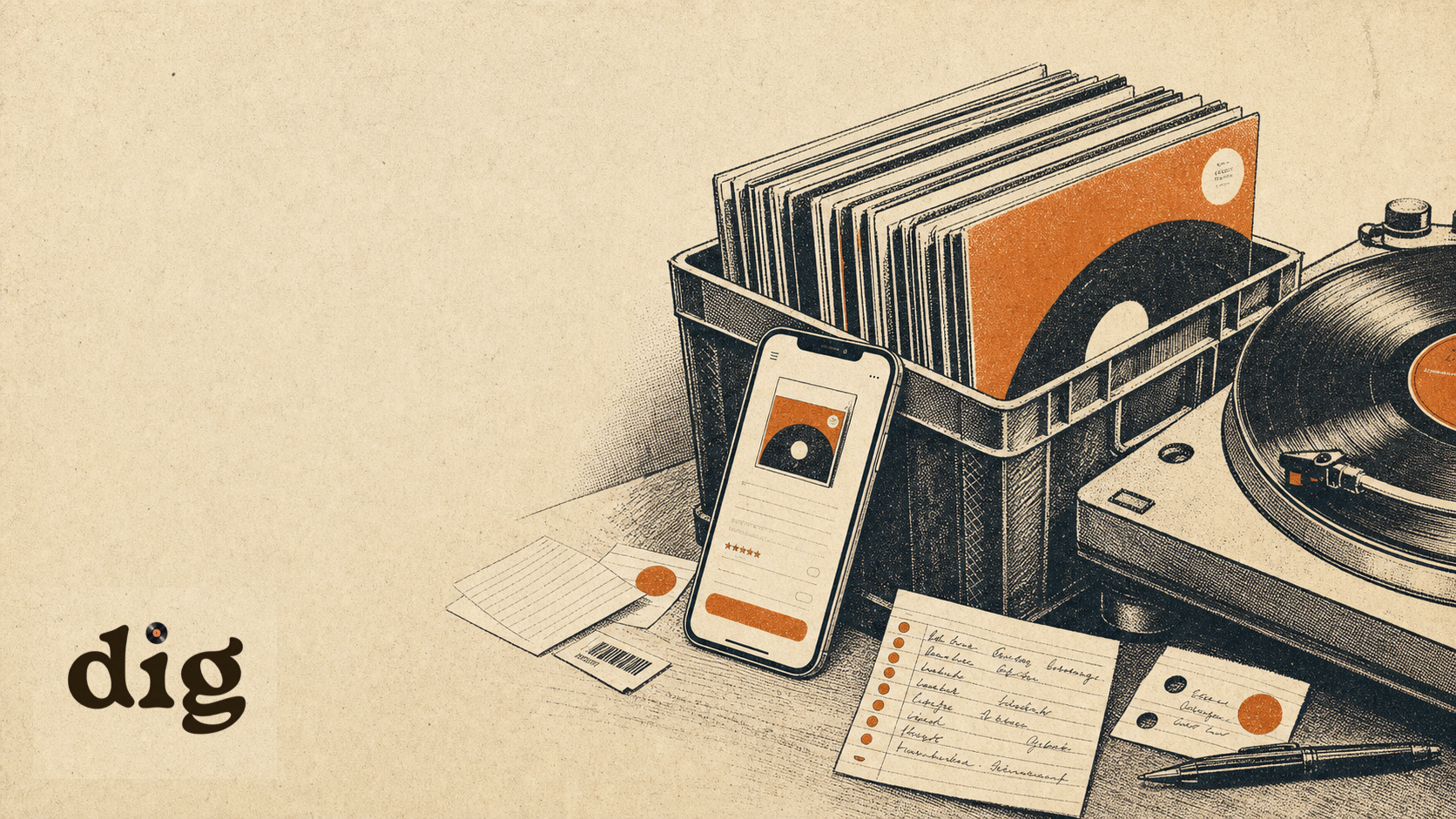
Use dig when you want the catalog to begin with the record in front of you. Scan the barcode on a new release, snap the cover, photograph the center label, or bring in a batch from one photo of records laid out on a wall display, floor, or table. dig gives you album matches to confirm, then keeps each record tied to collection search, wishlists, value context, notes, and what to play next.
- Scan a barcode for modern records with a UPC.
- Snap the album cover when the jacket is distinctive.
- Photograph the center label for older, obscure, or sleeveless copies.
- Use bulk photo import when records are spread on a wall, floor, or table.
A sane first pass
- Pick one shelf or crate. Do not start with the whole room.
- Log artist, title, format, and ownership status for every record in that section.
- Add condition and location while the record is still in your hand.
- Scan or enter the barcode or catalog number when it is easy to find.
- Mark anything that needs pressing research later. Keep moving.
- After the first pass, come back to valuable, unusual, or duplicate-prone records.
The Library of Congress recommends handling grooved discs by the edge and label areas only, and storing grooved discs upright with dividers that support the sleeve. That belongs in your cataloging workflow too: if the record is already out, check the sleeve, note the condition, and put it back correctly.
Where this fits in dig
This is the first collection-management guide in the dig blog. It connects back to the collector loop, the app screenshots, and the blog topic map. Next up: matrix numbers, record grading, collection value, and spreadsheet-vs-app comparisons.
FAQ
What is the fastest way to catalog a vinyl collection?
Scan the record first: barcode, cover art, center label, or a bulk photo of records laid out together. Then confirm artist, title, format, ownership status, condition, storage location, and one identifier. Add pressing notes only where the exact copy changes value, sound, or personal importance.
Should I catalog every pressing detail?
No. Catalog enough detail to find the record, avoid duplicates, and understand the copy you own. Pressing details matter most for valuable records, variants, imports, mono or stereo differences, promo copies, and albums you may insure or sell.
Is a spreadsheet enough for a vinyl collection?
A spreadsheet is fine for a small shelf, especially if you only need artist, title, and location. An app becomes easier once you want barcode scanning, cover images, wishlists, values, notes, duplicates, and listening decisions in the same place.
Let the shelf do more than sit there.
dig is built for collectors who want to scan records into a living catalog, keep wishlist and value notes close, and pick the next spin without jumping between tools.
Join the waitlist